

Crafting items
Use an item on a target
Activate the crafting tool or ingredient, then choose the item to use it on. Follow the targeting prompt; Escape cancels target selection.
Review the attempt
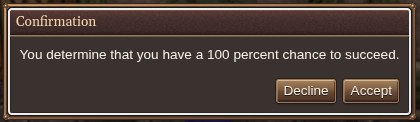
With Confirm crafting attempts with success chance enabled in gameplay settings, review the offered chance and confirm when ready. Check the target and materials before accepting an attempt that can consume or destroy them.
Read the result in chat and inspect the resulting item. For breaking items down into materials, use salvage.

Salvaging items
Choose items to salvage
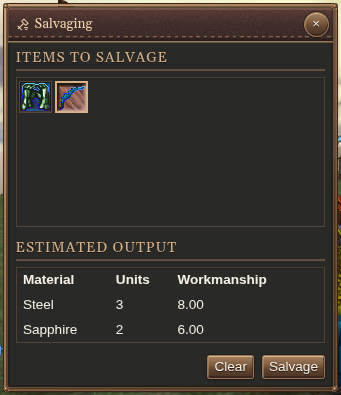
Use an Ust, or select a carried item and choose Salvage. Drag more items into Items to salvage.
You can include different materials in one batch. Each material has its own estimated output row, showing units and workmanship.
Items stay in your inventory while you prepare the batch. Use an item’s remove button or drag it out of the queue to remove it; Clear empties the queue.
Review the salvage output
Holtburger appraises missing item details as needed. If an item cannot be appraised, read its explanation and use Retry when ready. The batch must have a valid review before Salvage is available.
Salvage the selected items
Check the queued items, then press Salvage and review the destruction confirmation. Salvaged items are consumed. The output rows are estimates; check the resulting bags in inventory afterward.