Barbershop
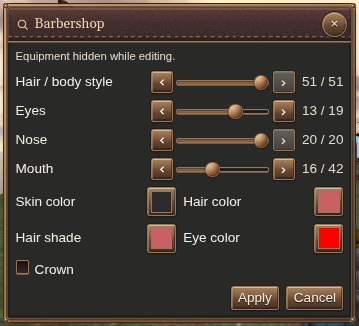
Interact with your server’s barber service to open Barbershop. Changes preview live on your character in the world as you adjust them; choose Apply to save your new look. Available choices follow your character’s heritage.
Show or hide your helmet and cloak
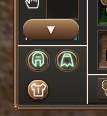
Open Inventory and use the helmet and cloak visibility toggles beneath the equipment strip. Hide either to show your character’s appearance while keeping the gear equipped.